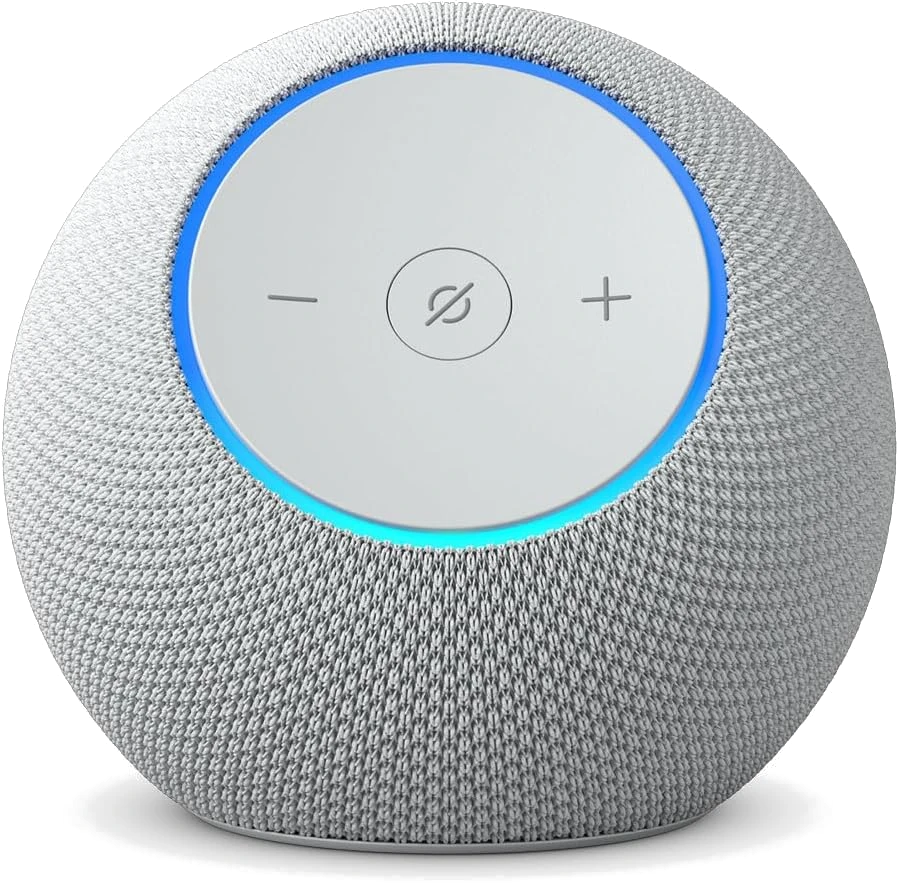
Your Echo Dot has an intercom feature called Drop In, and if you've never touched its settings, anyone with access to your Amazon account can listen into your room without knocking first. That's not a hypothetical. One security researcher tested it himself: he set up an Echo Dot, enabled Drop In, then walked outside, switched his phone to 4G, and listened to his own living room from a different network entirely. No notification, no permission prompt. Just audio.

So can Amazon Echo Drop In be used to eavesdrop? Technically, yes, if the device is left on default settings and the account password is old, shared, or guessable. The good news: the fix takes less time than this article took to read.

How to Fix Amazon Echo Drop In Privacy Risks
- Open the Alexa app and go to Devices, then pick the Echo you're worried about.
- Tap the Settings icon, then Communications, then Drop In. Switch it to Off. This is the single biggest move. No Drop In access means no surprise listen-ins, full stop.
- Change your Amazon password if anyone besides you currently has it, especially an ex or a former roommate. A shared password is a permanent backdoor. Two years after a breakup is plenty of time for someone to forget they still have access.
- Turn on two-factor authentication on your Amazon account. This closes the door even if your password leaks somewhere else, which happens constantly with reused passwords.
- Check which devices are paired to your account. In the app, remove any phone or tablet you don't recognize or no longer use. Fewer paired devices means fewer ways in.
Pro Tips for Locking Down Your Echo
- Watch for the green ring. When someone drops in, the light spins green and the speaker plays a chime first, before they can hear anything. If you ever see that ring fire on its own, treat it as a real alert, not background noise.
- There's no audit log for Drop In. Your Alexa app's Activity tab tracks voice commands, but it won't show you a record of who dropped in or when. Don't expect to investigate after the fact. Prevention is the only real defense here.
- Mute the mic for sensitive conversations. The physical mute button on top of the Dot cuts the microphone at the hardware level. Flip it during anything you wouldn't want a guest, or your kid's friend who knows the Drop In trick, to hear.
- If a teenager set up Drop In on a sibling's or parent's device, check it together. Per-device controls in the app let you turn Drop In off for specific Echoes, like the one in a bedroom, while leaving it on for, say, a kitchen speaker the whole family uses for hands-free calls.
Why This Works
Drop In treats your Echo like a walkie-talkie that's always on standby. Anyone signed into the account, or anyone you've approved as a contact, can open that channel instantly. Turning it off removes the channel entirely. Tightening the account login removes the other way in: someone using your credentials to add themselves as an approved contact in the first place.